Voice forms that turn spoken answers into routed cases

Let clients, leads, customers, or applicants explain themselves naturally. Sayify transcribes every voice response, extracts the details that matter, and routes the work to the right next step.

Launch Offer: Start Pro free for 14 days.

Use LAUNCH50 after trial for 50% off monthly or yearly plans.

Public voice intake

New client project brief

Live
Sayify public intake page with voice response questions

Voice response

1:18 audio transcribed

High intent

"We need a faster way to qualify inbound requests before booking calls. Budget is approved, but we need implementation help this month."

Budget approved Route to sales Due this month

Capture fuller answers

People say more when they can speak. Voice forms collect nuance, emotion, objections, urgency, and missing context that short text fields lose.

Structure with AI

Sayify turns raw audio into transcripts, summaries, extracted fields, scores, tags, and suggested next steps your team can act on.

Route the work

Send urgent, qualified, or high-value submissions to Slack, CRM, webhooks, Google Sheets, Zapier, Make, or your internal case board.

How voice forms work in Sayify

From spoken response to finished intake workflow

Sayify is built for the work after the form: capture the response, understand it, route it, and close the loop.

01

Build a guided flow

Mix voice prompts with text fields, choice questions, ratings, files, consent, and conditional logic.

02

Share or embed it

Publish a branded intake link, embed on your site, or use custom domains for client-facing workflows.

03

AI creates the case

Voice answers are transcribed, summarized, scored, and enriched with extracted fields and priorities.

04

Your team follows up

Assign owners, trigger automations, notify the right channel, and track resolution from one inbox.

4.5/5 from early AppSumo reviews

Early customers are already building real intake workflows with Sayify

AppSumo users are using Sayify for agency intake, voice surveys, client portals, support triage, and automation-ready case management.

Read the AppSumo reviews

4.5

Overall AppSumo rating across 6 reviews

5 five-star

Sayify is more than a form builder. Teams use it for intake, AI extraction, routing, and workflow automation in one place.

Voice intake AI summaries Routing Automation
Agency intake

From submission to assigned case

A reviewer highlighted the value of turning landing-page and client submissions into structured cases with owners, routing, and follow-up.

clarm060 on AppSumo

Voice surveys

Natural answers, cleaner insight

Early users called out voice questionnaires, transcription, consent-aware collection, and AI summaries as practical advantages.

gwittke on AppSumo

Operations

Built for serious workflows

Reviewers praised support for voice, video, text, files, extraction, routing, and integrations across Slack, Sheets, Zapier, and Make.

Sye on AppSumo

Client portals

Flexible enough to embed

One customer described using embedded intake inside a portal diary to capture voice and text entries, then move structured signals into automation.

Fatiguefunk on AppSumo

The pattern is clear: users want richer intake with less manual follow-up.

Early reviews point to the same core value: capture better context, extract key details with AI, and route work faster.

Start Pro Free

14-day trial, no card required

Voice forms FAQ

A few practical answers before you build your first voice-first intake workflow.

What makes Sayify different from a normal voice survey?

Sayify does not stop at collecting audio. It transcribes, summarizes, extracts fields, scores urgency, creates a case, and routes the response to the right workflow.

Can respondents answer without creating an account?

Yes. Respondents can open a public intake link or embedded form and answer with voice, text, files, video, or structured fields without needing a Sayify account.

Can I still use text fields and multiple-choice questions?

Yes. Voice is one response type. You can combine it with text, email, phone, ratings, dropdowns, uploads, consent, conditional logic, and more than 30 other response types.

What does Sayify do after a voice response is submitted?

Sayify creates a case with the transcript, AI summary, extracted details, sentiment, urgency, tags, and follow-up context. Your team can review, assign, route, export, or automate from there.

Can Sayify send voice form responses to Slack, Sheets, Zapier, or Make?

Yes. You can connect destinations and automation rules so high-priority submissions, qualified leads, negative feedback, or specific keywords trigger the right workflow.

Can I embed voice forms on my website?

Yes. Sayify supports public intake links and embeddable intake experiences, so you can place a voice-first form on landing pages, portals, support pages, or client intake pages.

Can voice forms be branded for my business?

Yes. You can use branded public pages, custom form styling, and custom domains on supported plans so the respondent experience feels like part of your own workflow.

Who should use Sayify voice forms?

They are strongest for teams that need context before acting: agencies, sales teams, support teams, product teams, HR, healthcare intake, education, nonprofits, and service businesses.
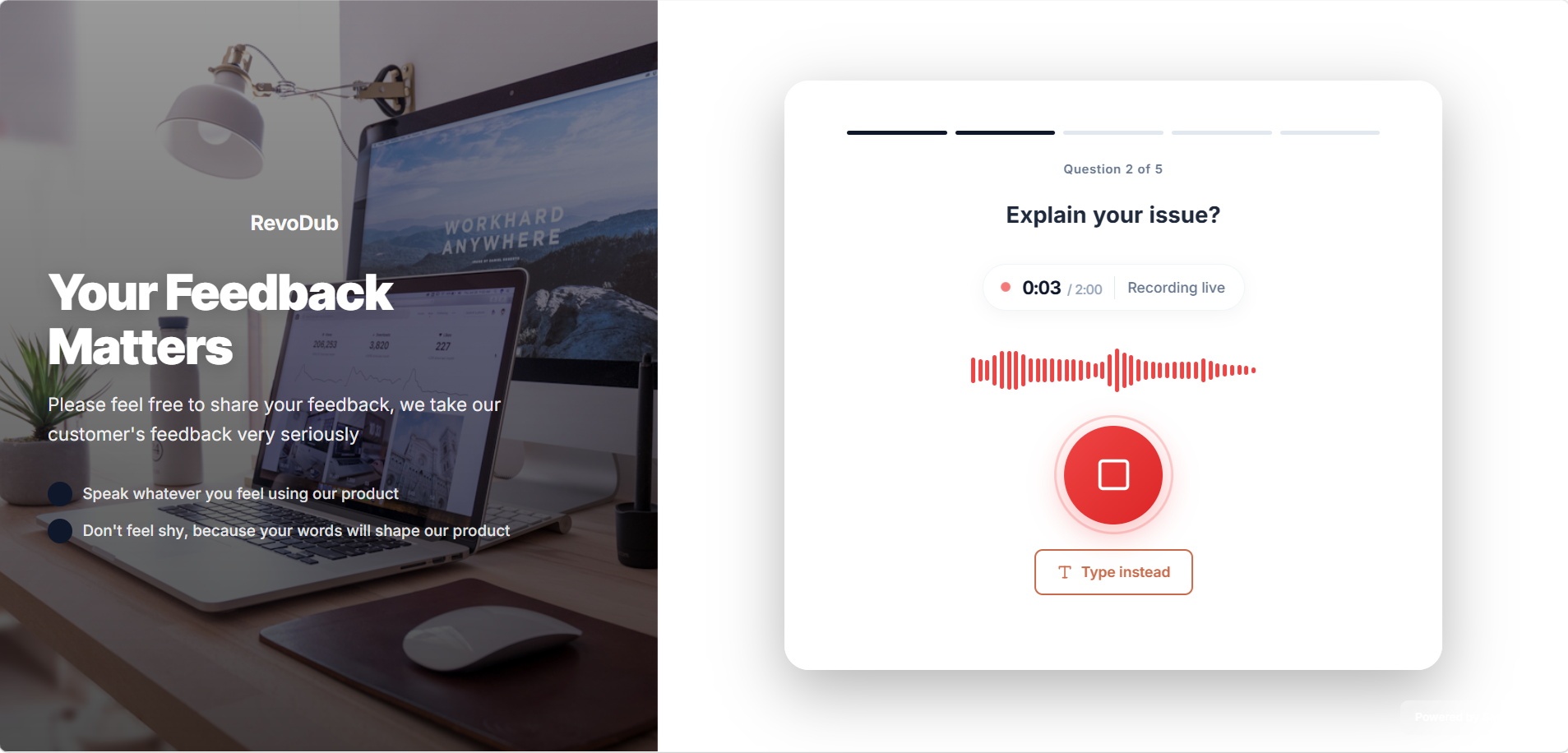
Build your first voice form in Sayify

Start Pro free for 14 days. No card required. Use LAUNCH50 after your trial for 50% off monthly or yearly plans.